Title here
Summary here
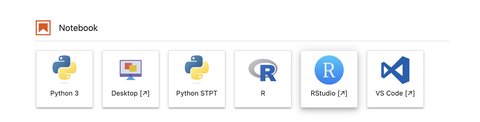
The IMAXT environment offers as well the posibility of running RStudio. In order to do so, select RStudio from the Launcher.
RStudio will open in a new window or tab of your browser.
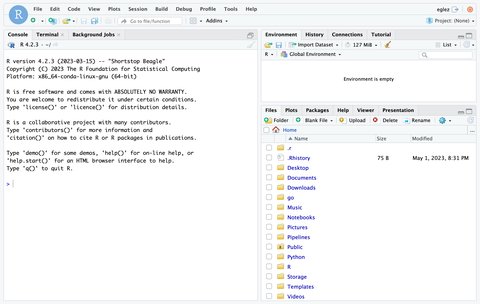
By default RStudio uses the R interpreter located in /soft/conda/envs/renv/bin/R. You can define another R interpreter, e.g. if you have installed R in your own environment, adding a line to the file in $HOME/.Renviron with the location of the R executable to use:
R_ENVIRON="/soft/conda/envs/rimc"You may need to quit the current Jupyter session so that RStudio launches again and picks up the changes.
In order to avoid potential issues it is advisable to run the same version of R in any user defined environments if possible.
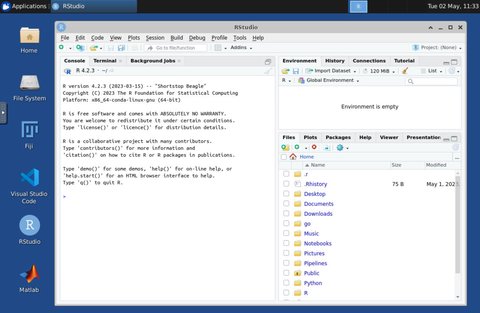
It is also possible to run RStudio in the Desktop Environment.
In some occasions the RStudio server may not start correctly. This can be due to large session files. Try removing ~/.local/share/rstudio from a terminal and start RStudio again.