Title here
Summary here
The IMAXT Analysis Platform is a software environment that uses Cloud principles to provide on demand resources and data access to scientists.
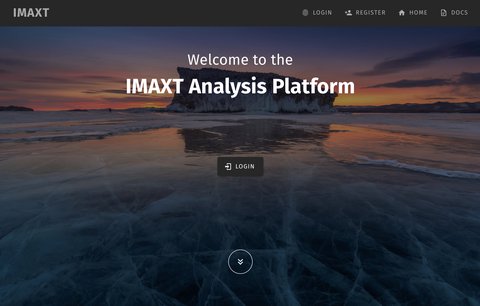
If you do not have an account on the archive click on the REGISTER button in the front page. You will then fill a registration form including your name, email, username and password.
After registration you will get an email with a link to confirm your email. Once you click on that link an administrator will process your registration and activate your account.
Once your account is active you will be able to login into the archive. Click on the LOGIN button of the front page and type your username and password.
Once logged in you will see a Dashboard similar to the one shown below.
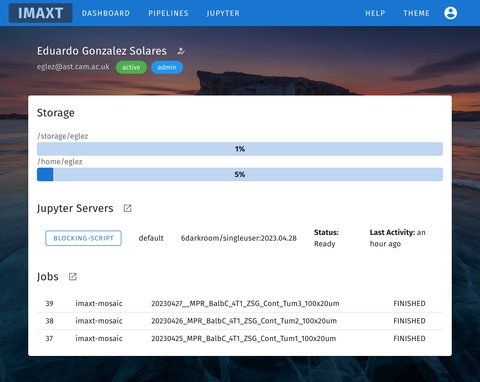
The Dashboard contains a summary of your user status and links to the different sections of the site. The menu bar contains links to access several parts of the site:
The main dashboard starts with the user’s full name, email, status and list of groups the user is member of.
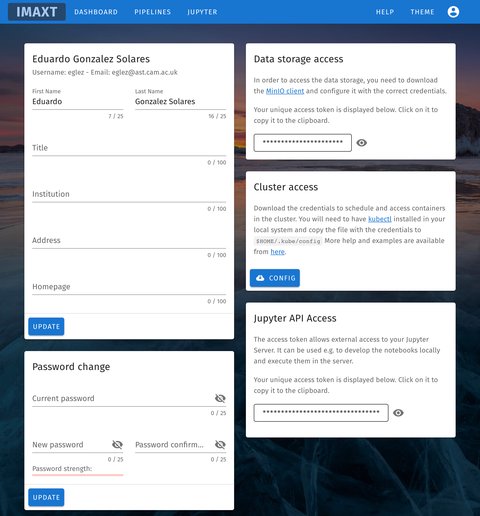
In the user profile page change password and access tokens needed to connect to the storage, Jupyter API or to run custom Docker images in the cluster.